






Details
Family Board
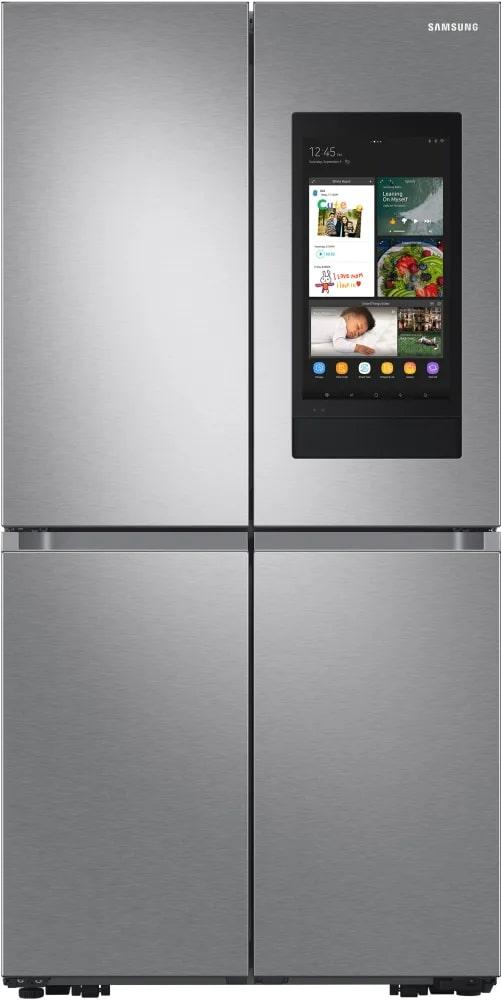
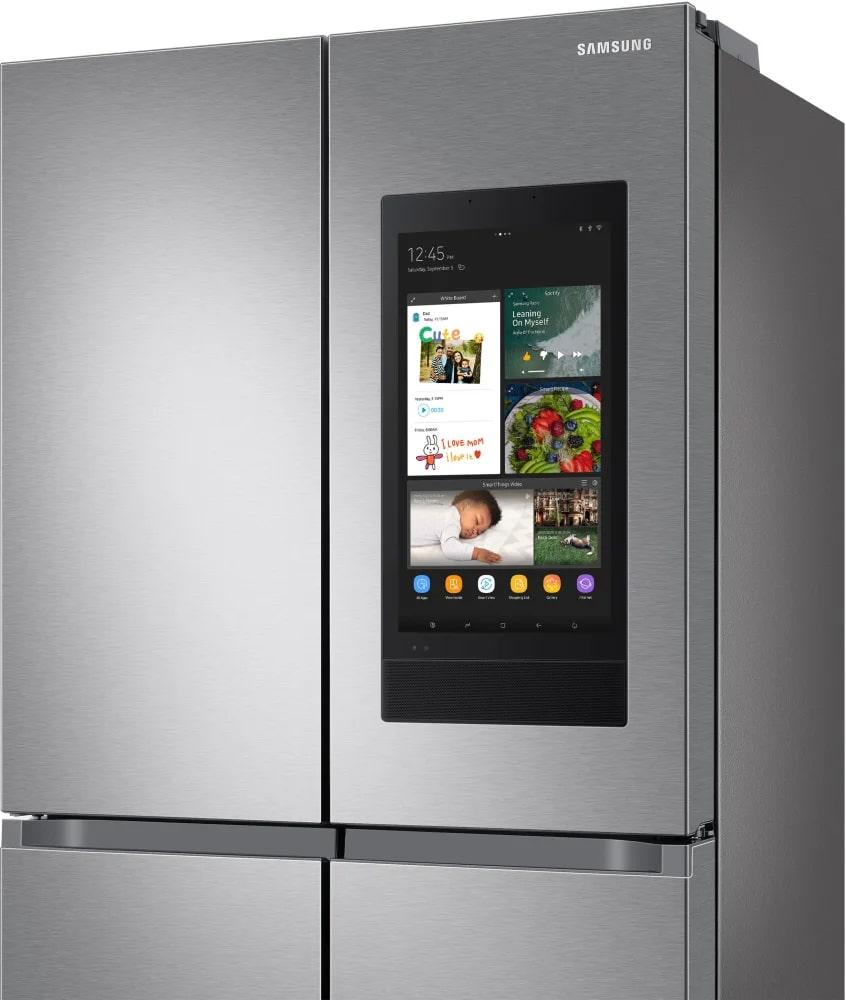
Enrich your family life by easily sharing news, messages, special moments and new photos, videos on the Family Board. Simply use the home screen to share photos and video clips, post stickers, draw pictures, type or hand-write notes, share schedules and website links.
Calendar
Make sure that you never miss a family event. The Calendar app lets you share and check the schedules of family members at a glance. You can update entries on the fridge or from a smartphone and synchronize the schedules with Google and Microsoft calendars. So you won?t forget important dates!
Memo, To-do, Gallery
Enjoy a really fun and effective way to communicate with your family. Using the Memo, To-do and Gallery apps you can quickly share memos, task lists, instructions, activity schedules and photos. When anyone steps close to the fridge the home screen turns on, so they can see what you've said.
Whiteboard
Avoid the hassle of finding a pen and paper to leave personalized messages for your family members. With the White Board application you can create messages simply by using your finger to draw pictures or handwritten text. You can even use emoticons, and replies can easily be added to messages.
SmartView (Phone/TV Mirroring)
Watch TV programs or access online content. Using a widget you can quickly launch popular video streaming or social media apps. The SmartView app can also display what's showing on any Samsung Smart TV and lets you view and control the millions of apps that are available on your smartphone.
Spotify / Amazon Music / Tunein Radio
Listen to your favorite playlists, songs and artists while you cook with Spotify or Amazon Music. Or stream non-stop entertainment with access to global radio stations, news, podcasts and comedy shows on TuneIn.
Meal Planner with quick plan
Cook food your family loves. Using artificial intelligence and food profiling, Smart Recipes app provides delicious recipes with simple instructions and can send the oven the right settings. A weekly Meal Planner suggests meals to cook each day, based on what you like and the food in the fridge.
Shopping List
Plan meals and buy food you need with the Shopping List app. Just add any items or ingredients you need to your list with a touch or voice command. Synchronize the list to your phone, so you have it handy for your next grocery trip.