




Details
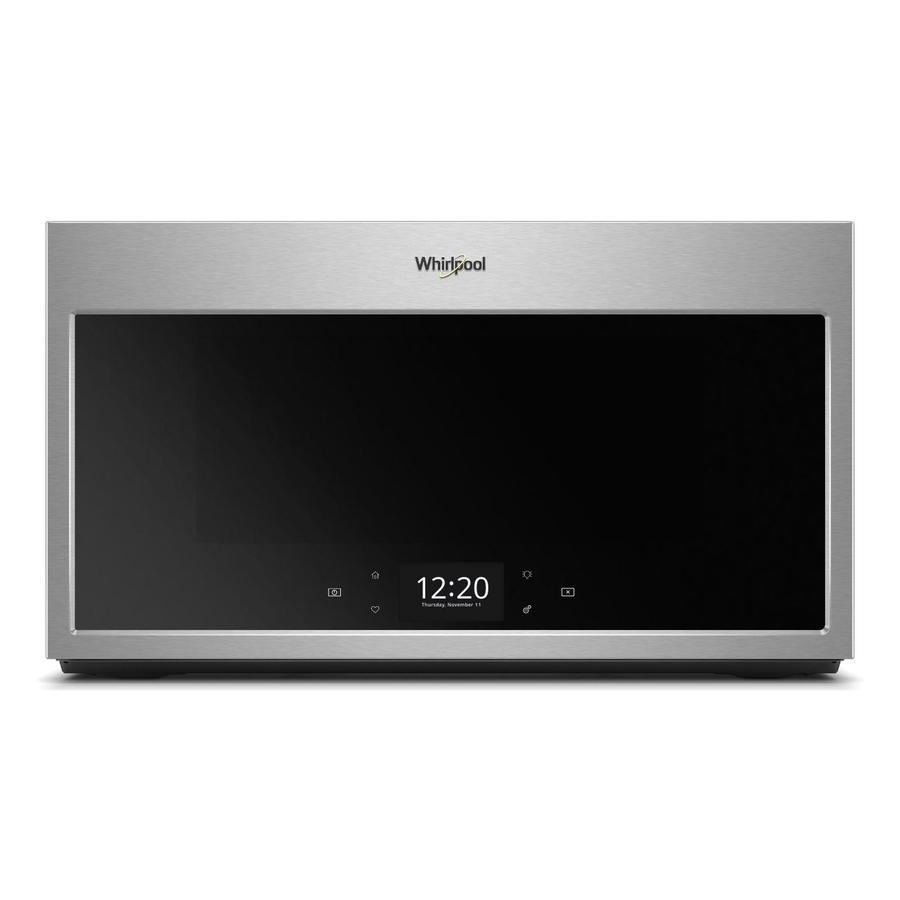
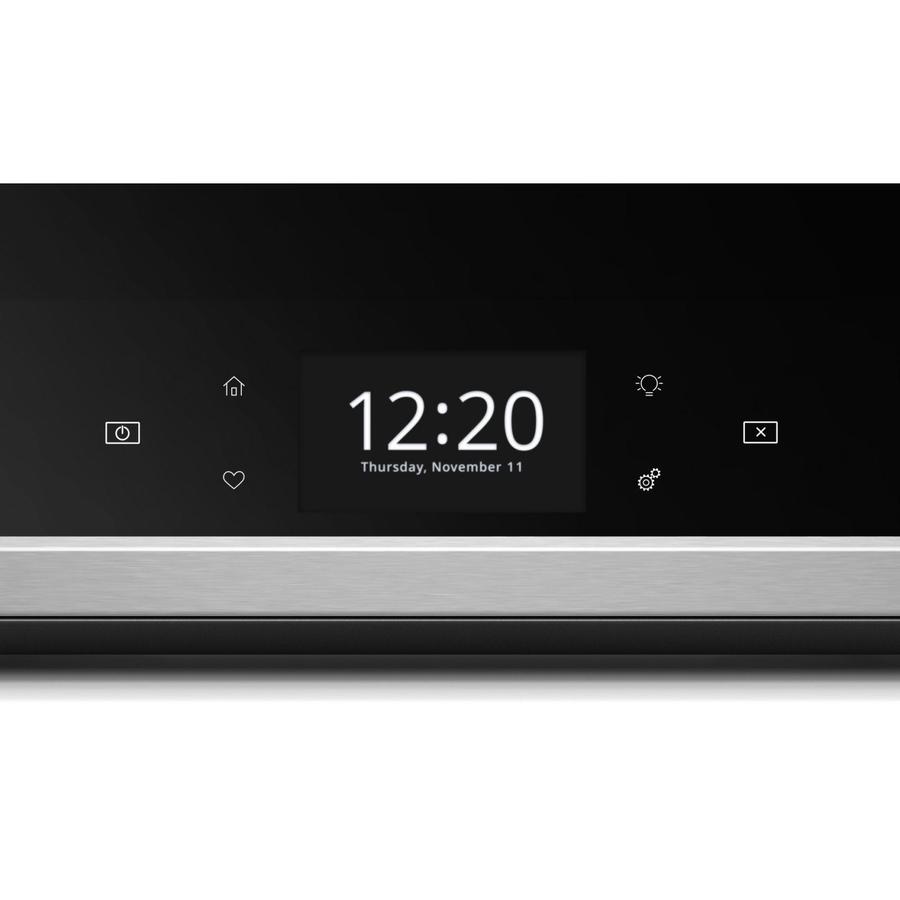
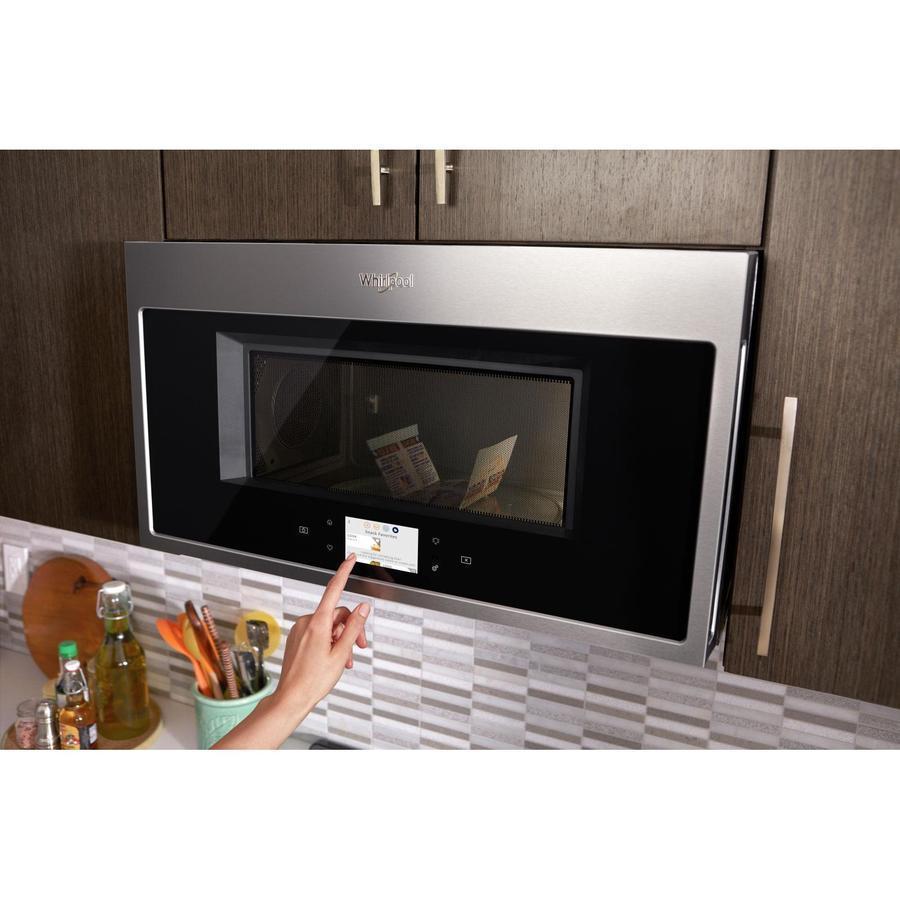
Touchscreen
Get instant access to the settings you use most with an intuitive touchscreen that learns, adapts and suggests customized presets based on your family's routines
Smart Appliance
Care for your family from your smartphone or tablet
Multi-Step Cooking
Make multi-step meals more simple. Use your smartphone or tablet to send multiple cooking instructions to the microwave. The cook power or temperature automatically adjusts based on the recipe you enter for great results without having to monitor your meal
Proximity Sensor
Easily read your display while you cook no matter where you are in the kitchen with a sensor that knows when you?re close and adjusts the display text size based on your distance
Guided Service
Keep track of scheduled appointments and make sure issues are known using the Whirlpool app to send data from the appliance directly to Whirlpool brand customer service
Maintenance Alerts
Get notifications if your appliance loses WiFi connectivity, which could be the result of a power outage
Remote Start
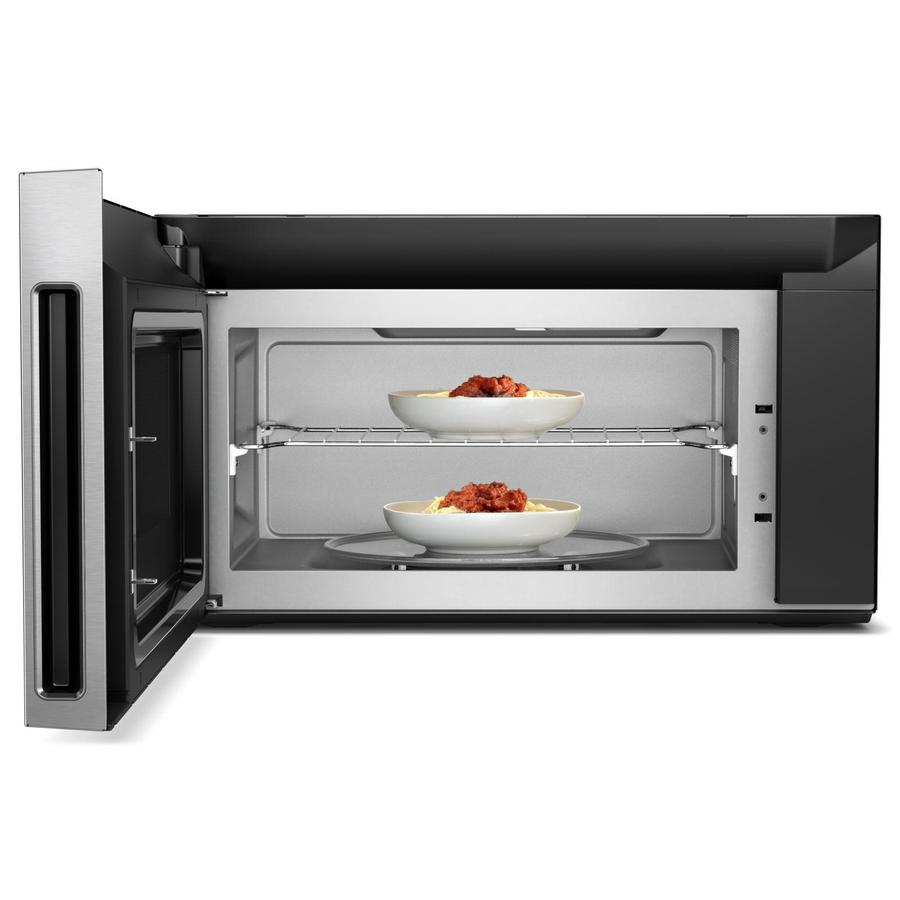
When set to remote enable, use your smartphone or tablet to remotely turn on your microwave to convection mode so it's heated up and ready to cook meals when you are
Control Lock Mode
Use your smartphone or tablet to remotely disable the control panel to avoid unintended use